

Let's do it together!
Before we begin: Understand the Discount Options
Begin by reading the different Market/Catalog targeting options in the app to understand the basics.
Discount product price directly (default option)
Step 1: View Products
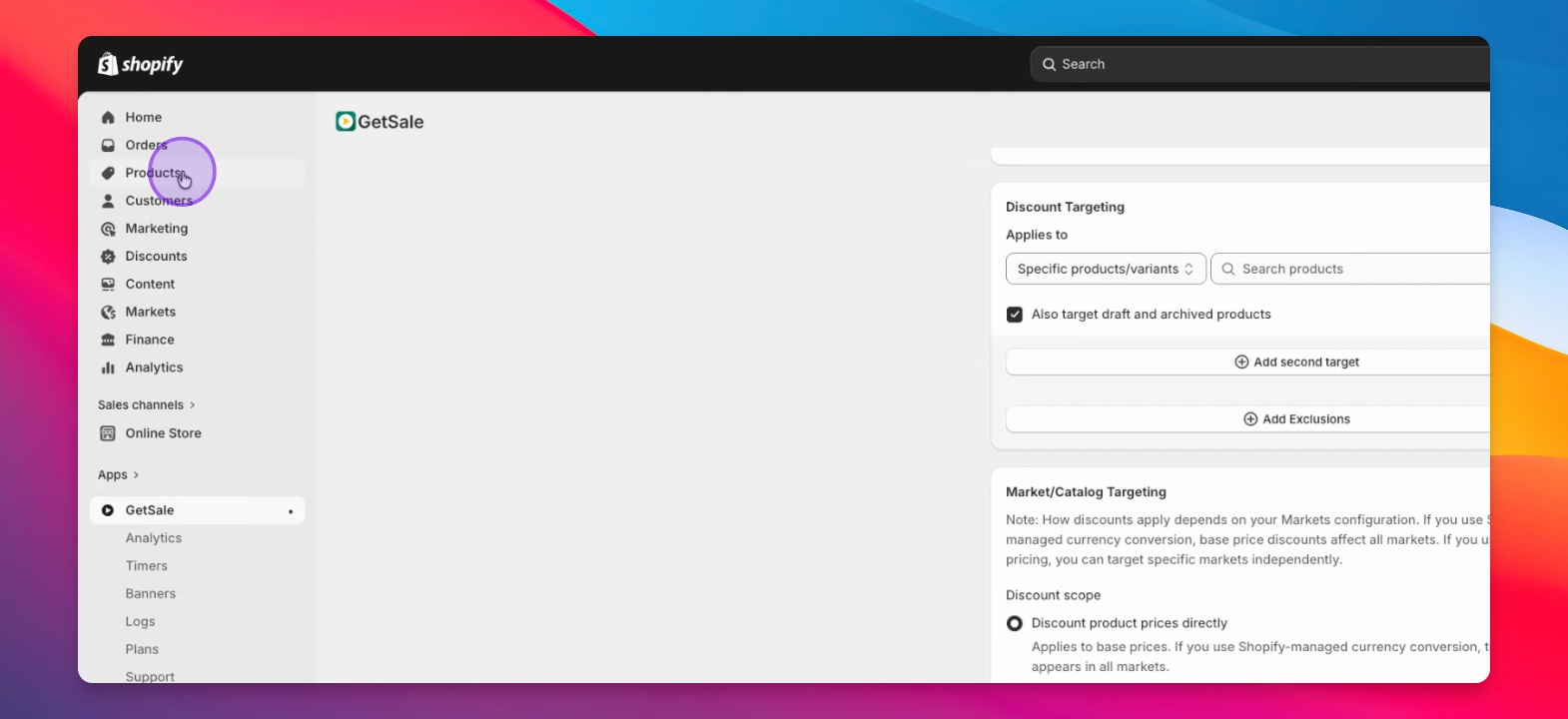
Navigate to the Products tab in Shopify Admin to select any product.
Step 2: Check Price Section
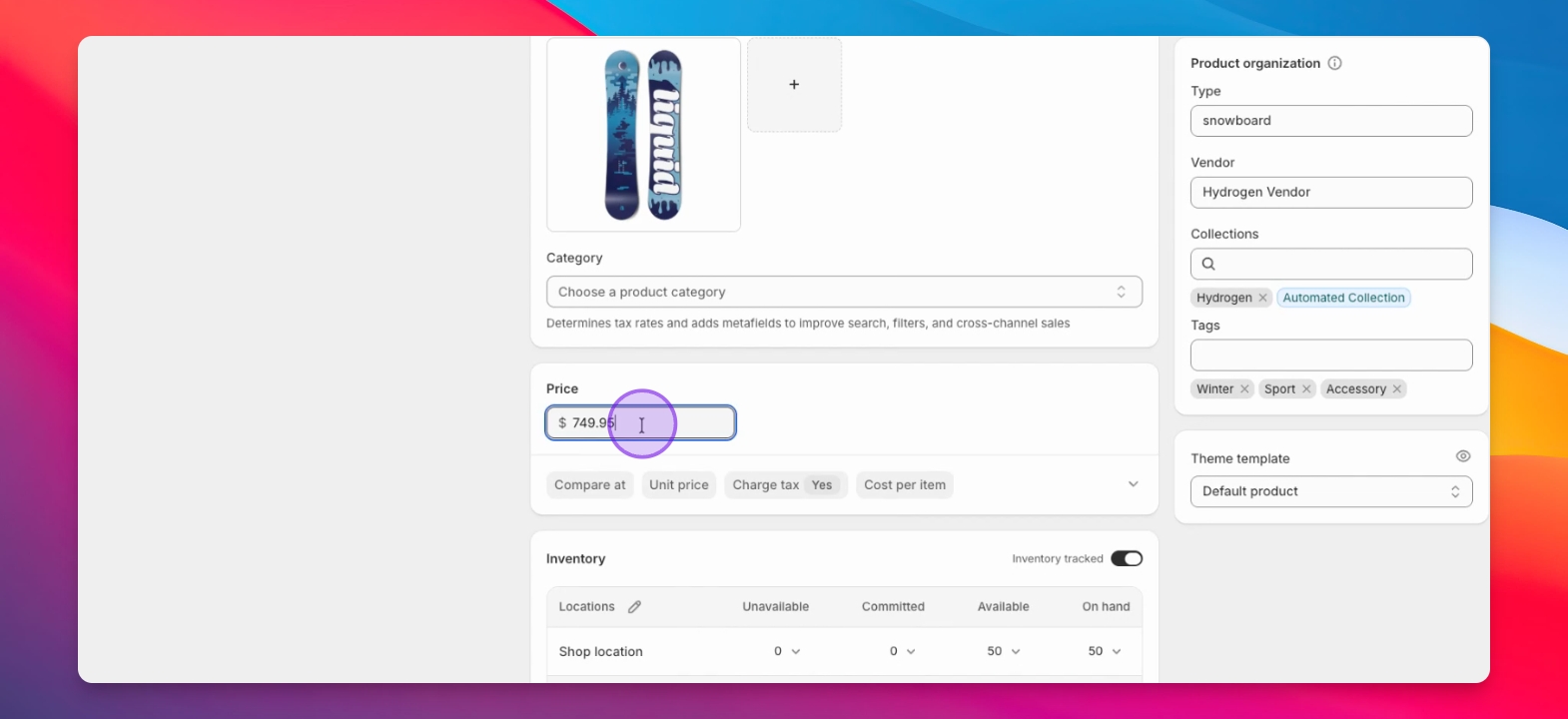
Examine the price section of the selected product to see pricing details.
Step 3: Compare at Price
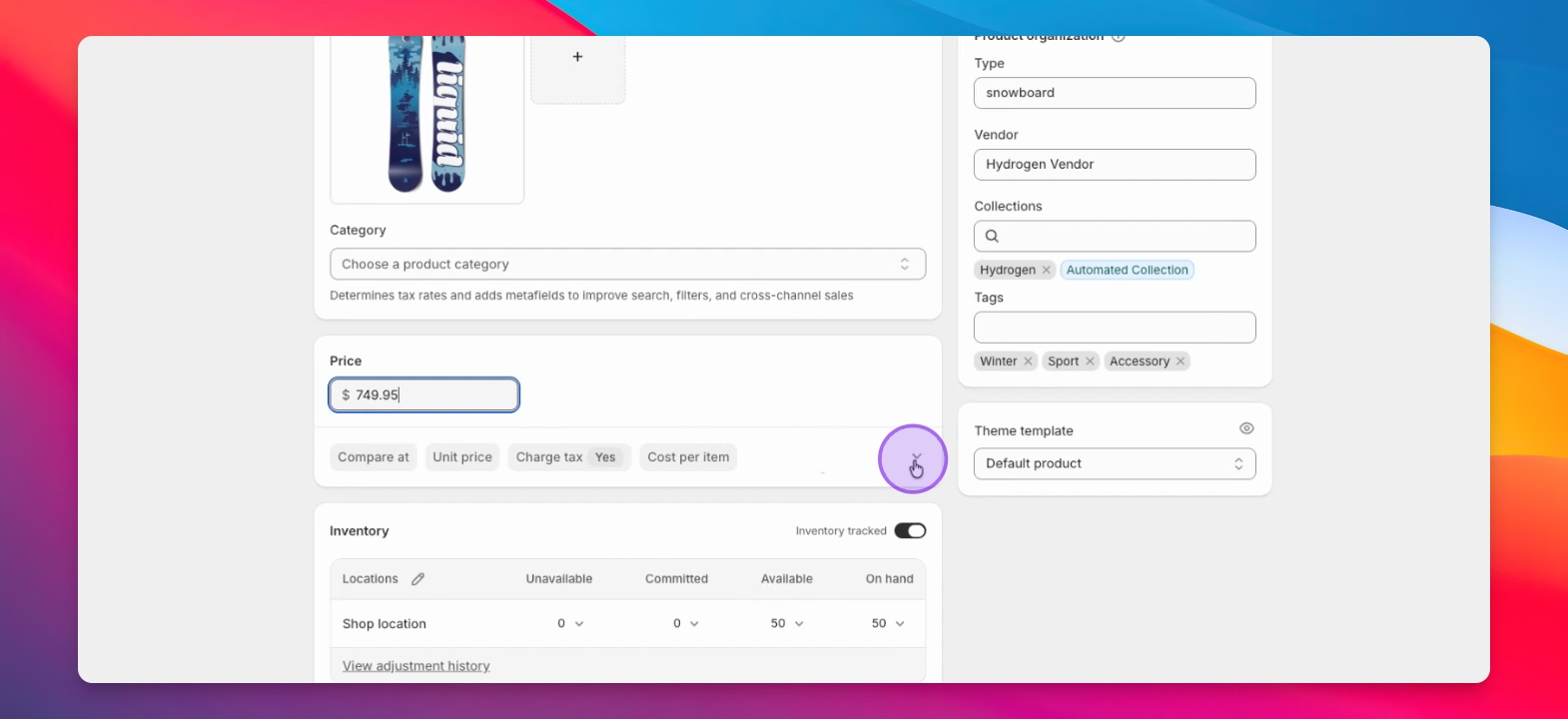
Expand the option to reveal the Compare at price for better visibility.
Step 4: Understanding Compare at Prices
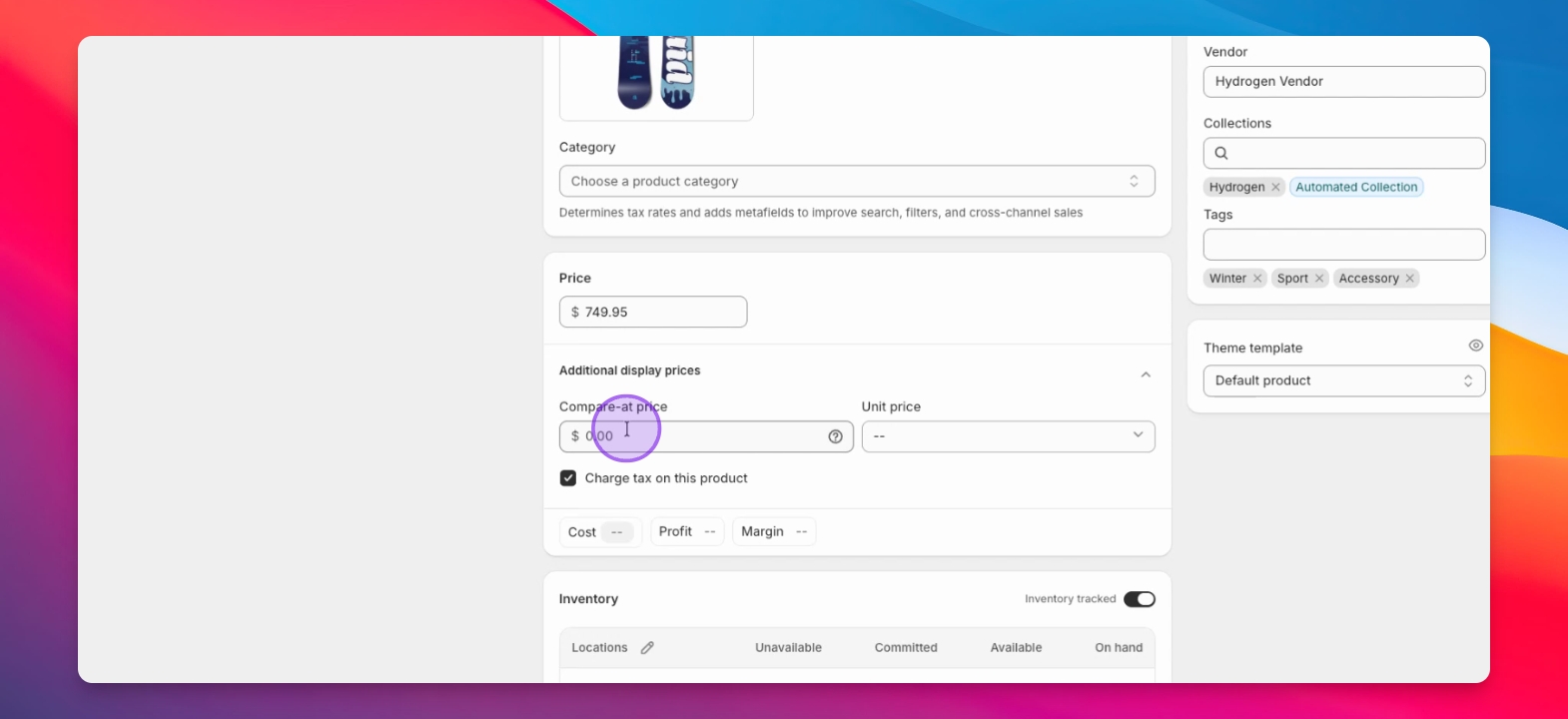
Know that the Compare at price indicates the original price shown on your storefront.
Step 5: Example Scenario
A Compare at price of $1,000 and a price of $749.95 would be an effective 25% discount shown on your storefront.
Step 6: Use GetSale to automate this type of discount for your products
You can get the above behaviour using the default option when creating a price reduction discount.
Discount Markets
Step 1: Discount Specific Markets
Consider discounting for specific regions, particularly if you operate in multiple markets.
Step 2: Select Target Market
Choose the market you want to discount, such as Canada, if configured.
Step 3: Catalog Selection
Select the Catalog for the targeted market, like Canada.
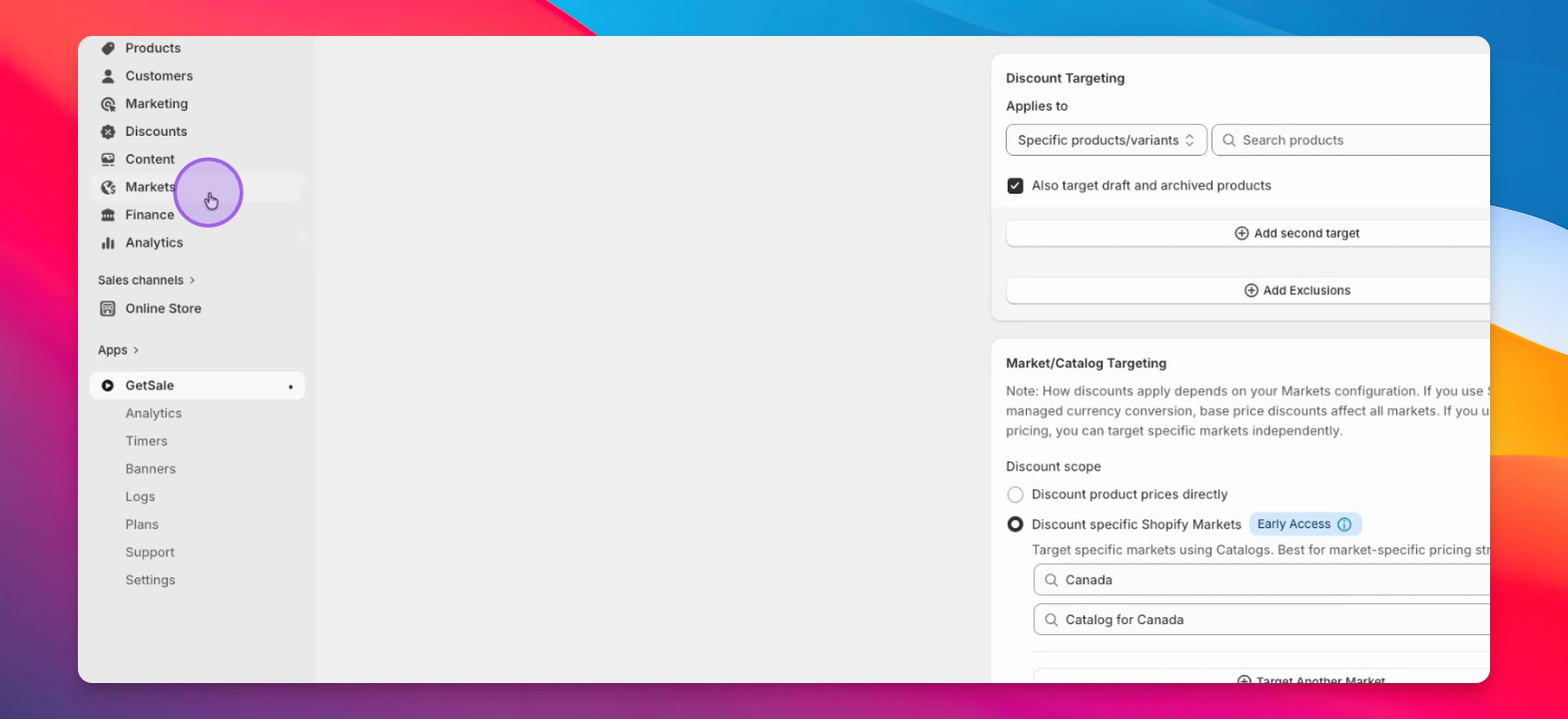
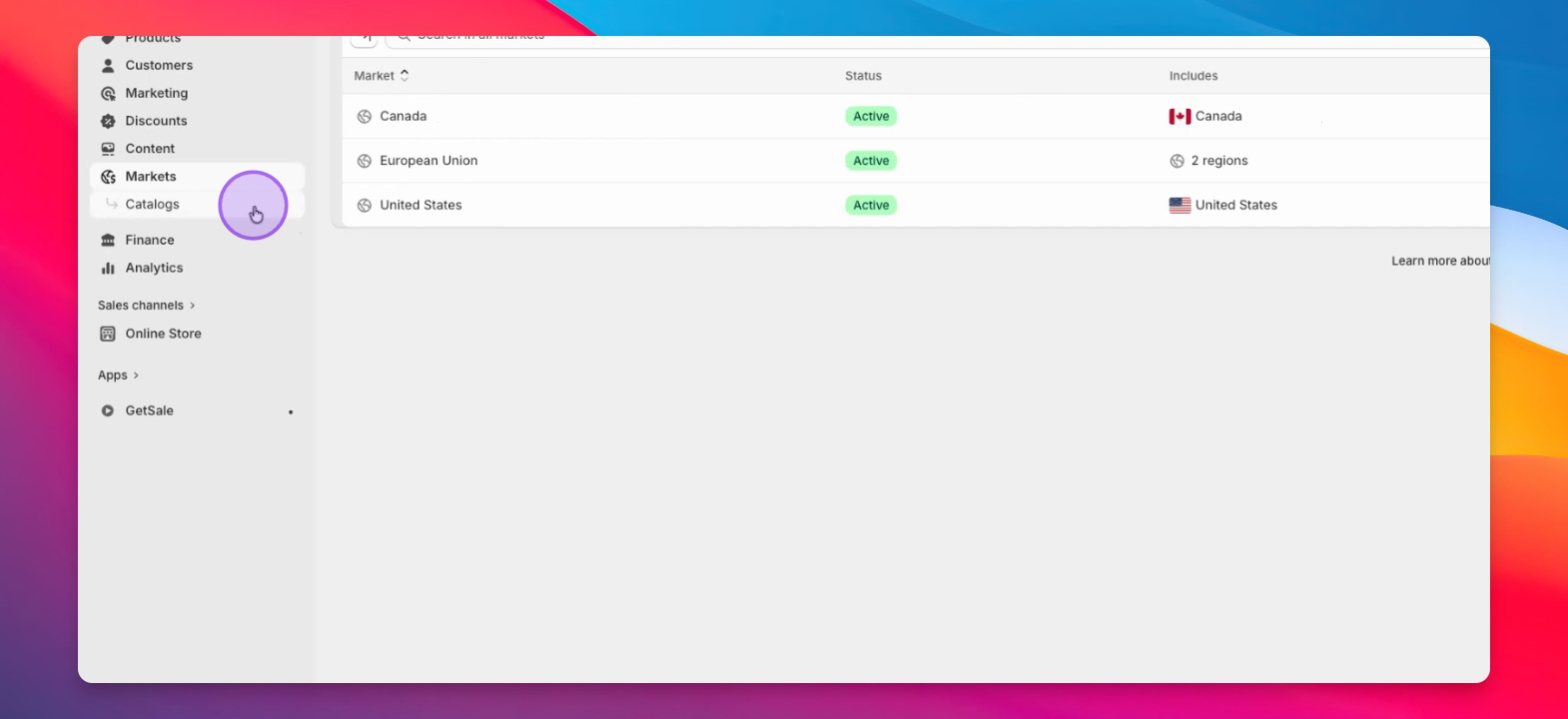
Step 4: Visit Catalogs Page
Go to the Catalogs page to manage your selected catalog.
Step 5: Adjust Prices
Set specific prices for products in the catalog, overriding default conversions.
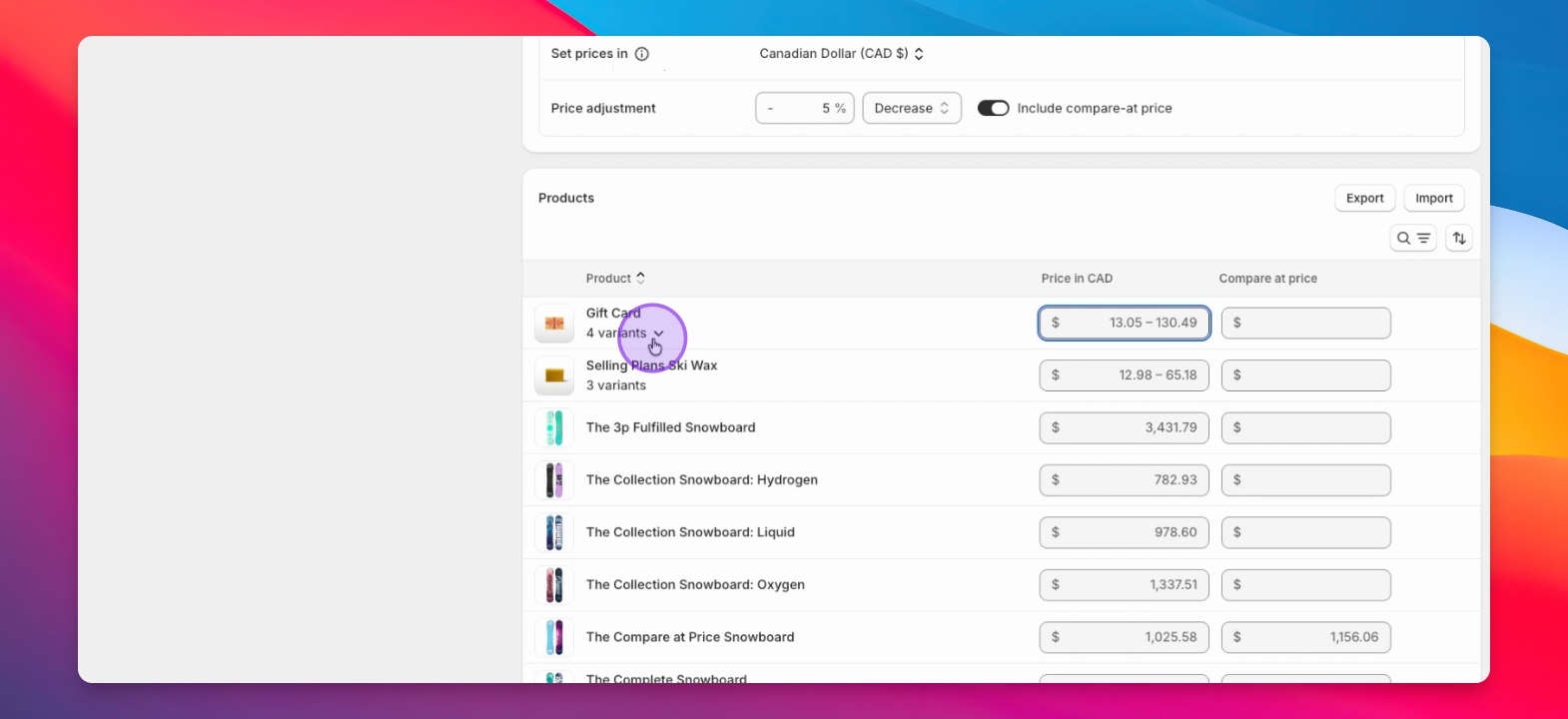
Step 6: Confirm Fixed Prices
Check that Shopify indicates fixed prices for the product variants.
Combining both options
Step 1: Select the 'Discount product prices directly and discount specific Shopify Markets' option
Use a combination of fixed prices and discounts for different territories as needed. This is a more advance configuration that you may never need to use, so reach out to us via support if you are unsure.
Troubleshooting
Unexpected price adjustment
Remember, your catalogs can have price adjustments created outside of our app too. This can be done manually or even by other apps.