

Let's do it together!
Step 1: Disable Discounts
Ensure all your active discounts are disabled to avoid issues when canceling.
Step 2: Check Banners
Verify that you have no published banners before proceeding with the cancellation.
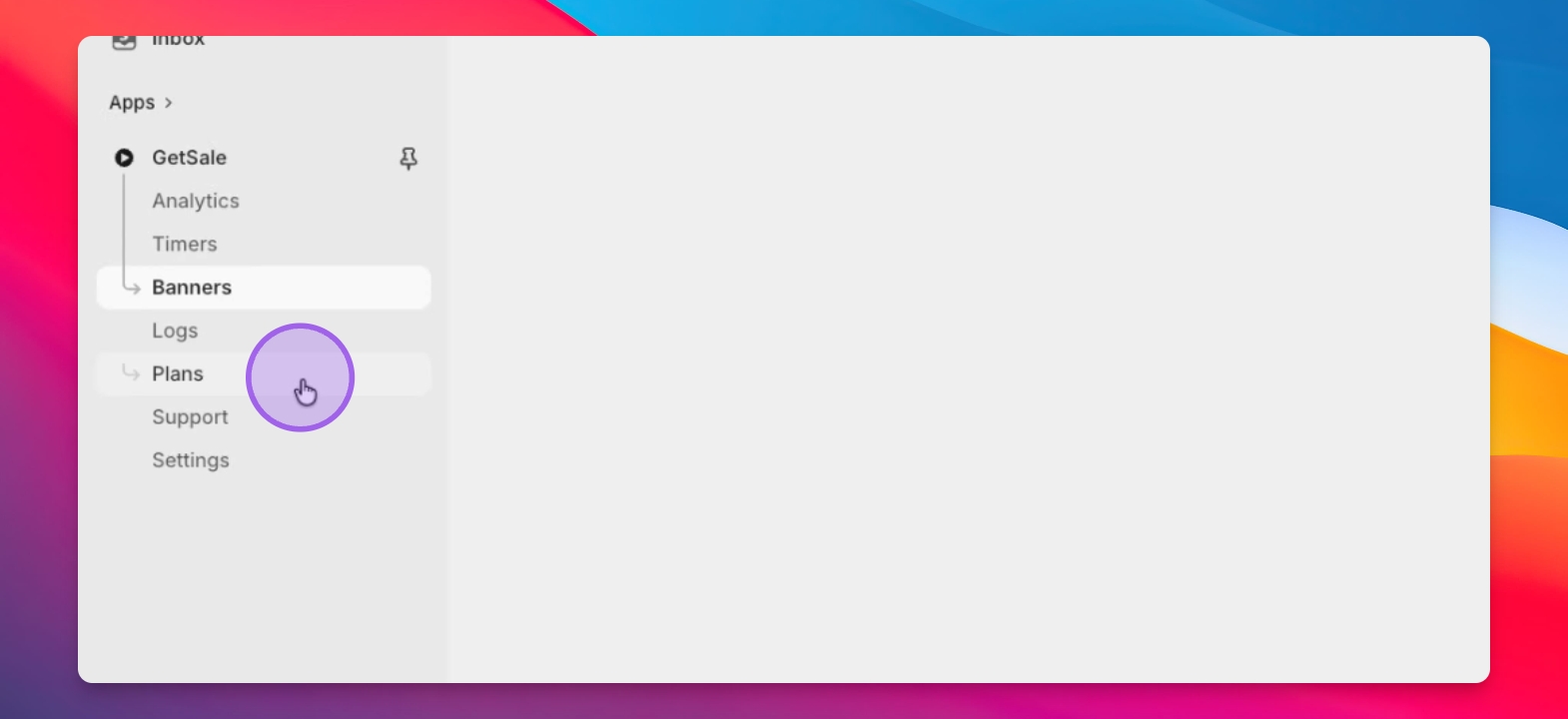
Step 3: Visit Plans Page
Go to the Plans page to manage your subscription.
Step 4: Identify Active Plan
Look for your active plan highlighted with an Active Plan badge.
Step 5: Cancel Plan Button
Find the red Cancel Plan button. If it's missing, confirm you're on an active plan.
Step 6: Toggle Plans if Needed
If you don't see the cancel option, try toggling between monthly and annual plans.
Step 7: Confirm Cancellation
Click the Cancel Plan button and confirm your cancellation.
Troubleshooting
Cancel button not visible
Ensure you're on an active plan and try toggling plan types.
FAQ
What if I have active discounts?
You must disable all active discounts before canceling.
Can I cancel anytime?
Yes, you can cancel your subscription at any time.